PAIGE is an AI tutor designed to enhance learning, clarify difficult concepts, review content, strengthen clinical judgment, and offer opportunities to practice applying knowledge. Because it's built directly into Davis Advantage and instructor-controlled, PAIGE offers this course support while respecting academic integrity and encouraging responsible AI use.
To ensure proper student evaluation, PAIGE is not available when students work on certain Advantage assignment types, including the Pre- and Post-Assessments of Personalized Learning assignments, as well as the entirety of Simulations and Quizzing assignments.
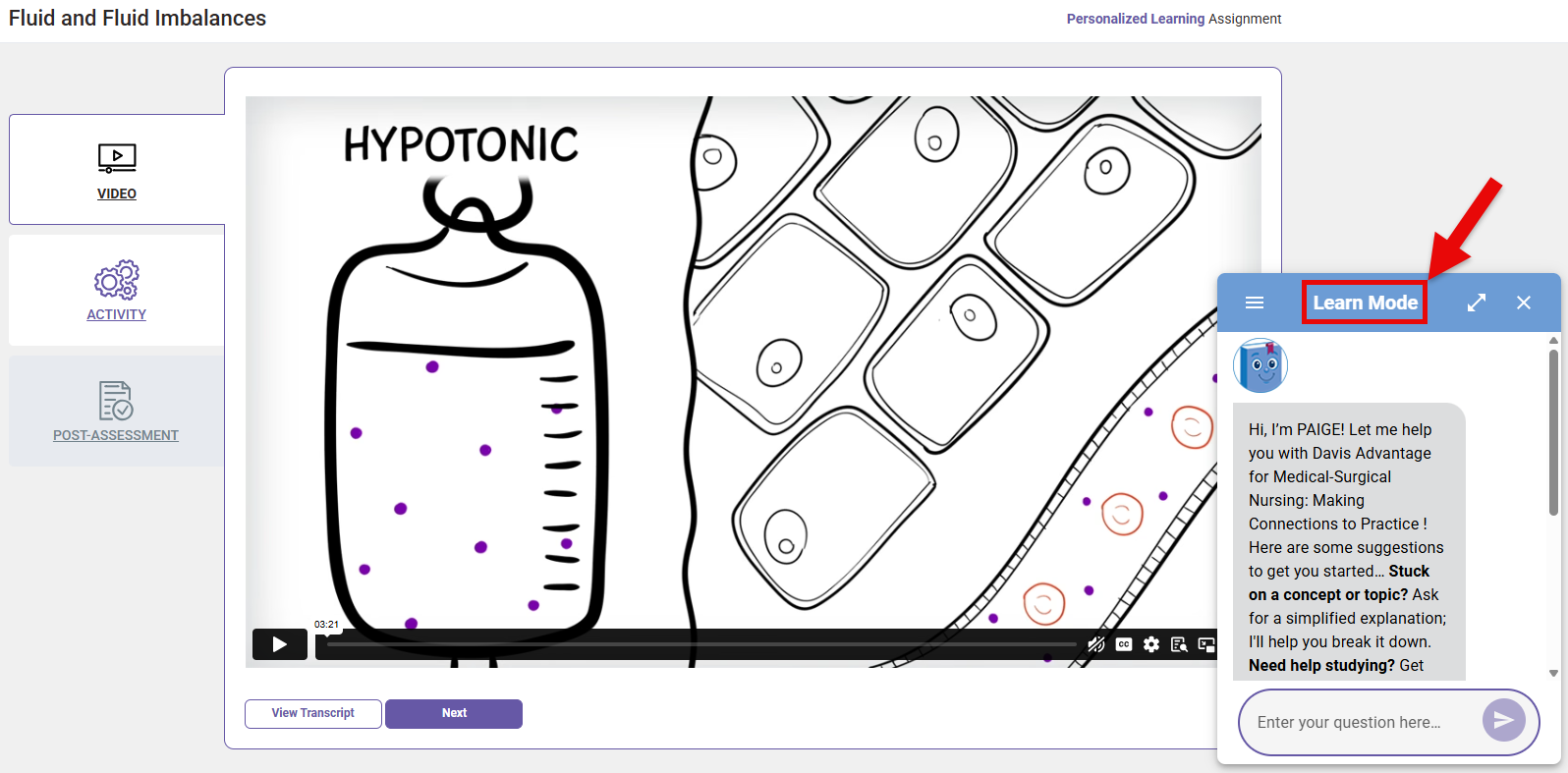
When accessible, students will click the PAIGE icon in the bottom-right of their Advantage pages to open PAIGE's chat window.

Learn Mode
Students can access PAIGE's Learn Mode in non-assignment learning areas, such as your Advantage class' Dashboard, their Advantage Resources page, and students' respective Personalized Learning Plan pages.
During Advantage assignments, Learn Mode is only available in certain sections, like the video sections of Personalized Learning assignments, as well as Overview and Results pages of Personalized Learning assignment Pre-Assessments.
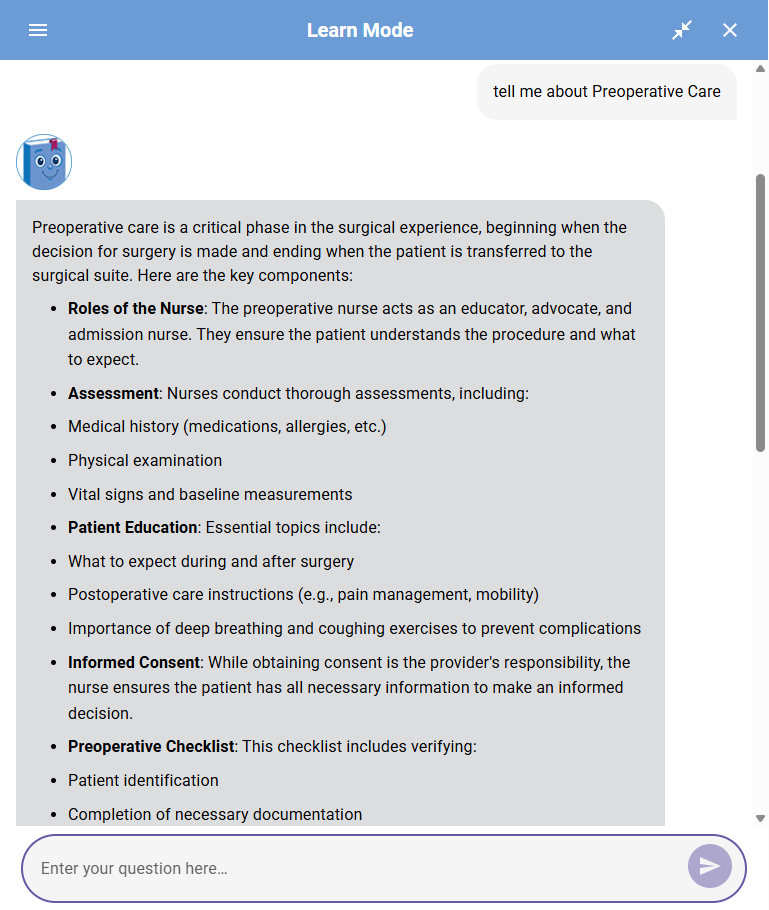
In Learn Mode, students can prompt PAIGE to break down complex concepts step-by-step, summarize chapters and key topics, and/or answer their questions about course content.
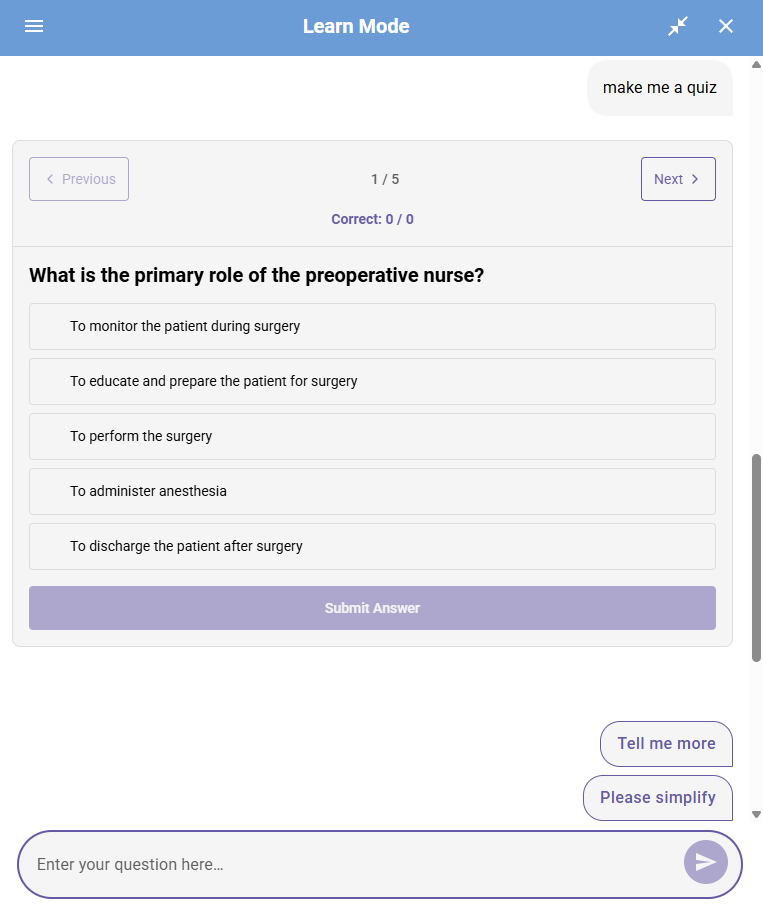
To give students further opportunities to apply knowledge from their textbook and Advantage, students can prompt PAIGE to generate study guides and practice quizzes.
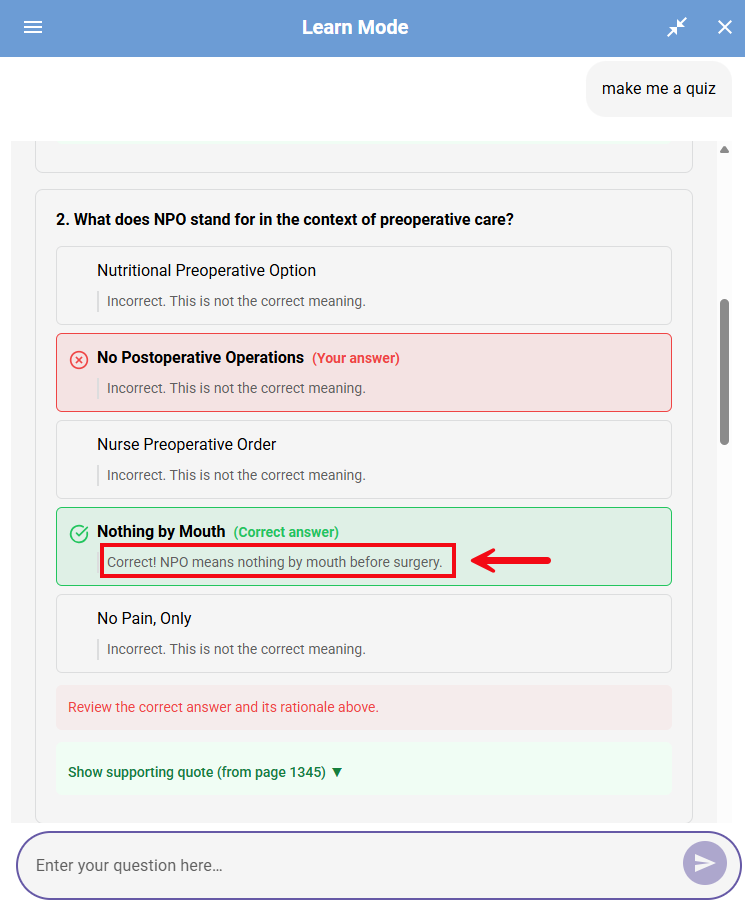
Practice quizzes generated by PAIGE will provide immediate feedback for a student's answer choices, with rationales for each possible answer, and page references so students can bring their study back to their textbook.
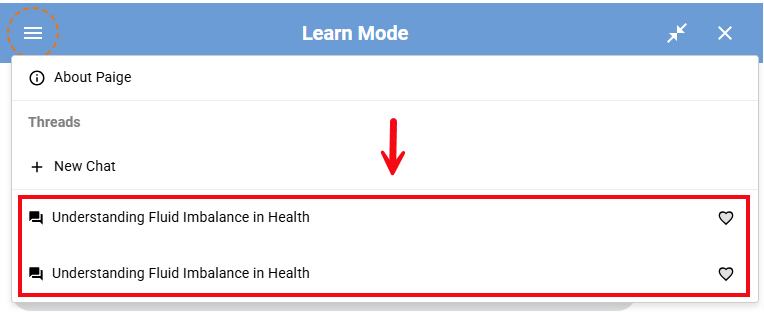
Students can save PAIGE chat threads to revisit later.
Coach Mode
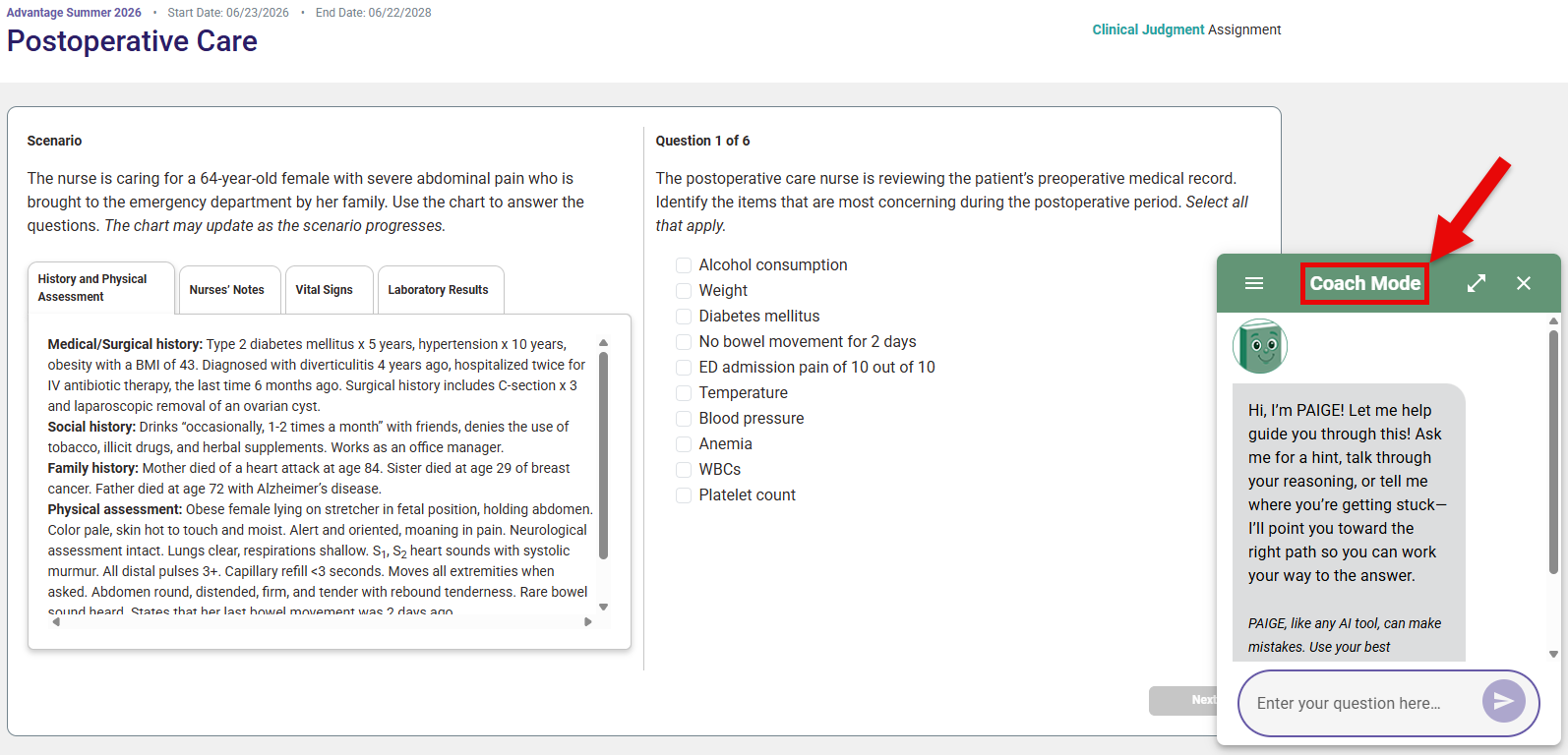
In Coach Mode, PAIGE provides scaffolded guidance rather than direct answers. To provide such guidance, Coach Mode highlights key information in questions and prompts deeper reasoning with its own guiding questions, thereby modeling an investigative process toward understanding.
Coach mode is accessible within Clinical Judgment assignments and the activity sections of Personalized Learning assignments.
Enabling or Disabling PAIGE
PAIGE is automatically enabled for new Advantage classes.
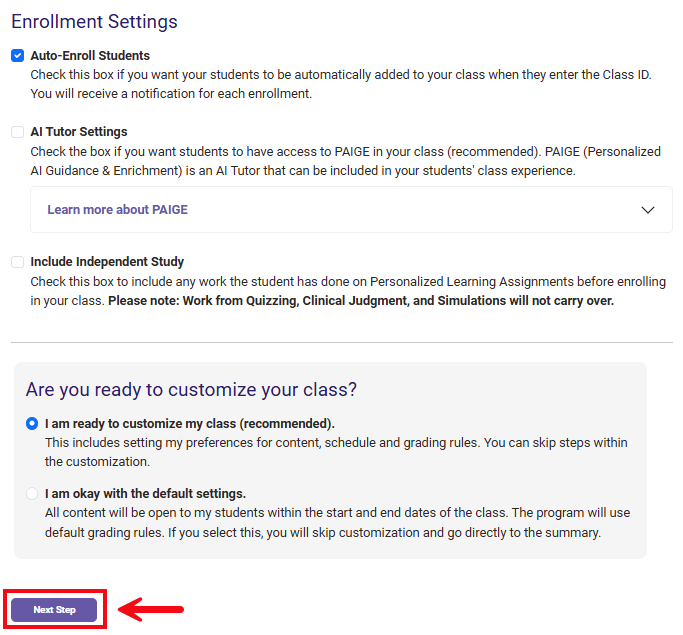
To disable PAIGE for a specific Advantage class, navigate to the "Create Class" step of its Class Setup. For more information on navigating to your Advantage Class Setup, please consult our Instructor "Quick-start Guide" article.

At the bottom of your "Create Class" step, you will find an "AI Tutor Settings" checkbox. Check or un-check this checkbox to enable or disable PAIGE.
If you change your AI Tutor settings, remember to click the "Next Step" button to save your changes.